Solution for Teams
Engineering
Localize your apps, websites, and games with automated content updates by integrating with your repo
Marketing
Scale your marketing efforts through localization. Connect your marketing tools to automate the process
Support
Create and maintain multilingual support docs and other important content
Designers
Preview multilingual content, customize translations before implementation
Translators
Translate online with all the benefits of a desktop CAT tool
Use Cases
Software Translation
Set an automated process once and receive continuous localization in parallel with development
Mobile App Translation
Localize Android or iOS apps into any language and reach new markets
UI Translation
Localize your product's user interface and create global design
Website Translation
Create a multilingual website by integrating Crowdin and your website's CMS.
Multilingual Support
Translate customer service chatbots, emails, and documentation
Game Translation
Translate your game and enter the international market
E-commerce Translation
Automate localization of your e-commerce website and reach global customers.
Apps & Integrations
Browse 700+ integrations and plugins
AI Translation
Empower your business with an AI translator fine-tuned to your company's needs and get 95% publishable translations
Crowdin Resources Resources on localization services, translation and localization tipsChoosing the right translation project management software can be daunting. With numerous options available, making a decision requires careful thought. Each software offers unique features, tools, and pricing models. It's crucial to consider what best fits your team's needs.
Effective translation project management software should streamline workflows. Look for user-friendly interfaces. Consider how easily it integrates with existing tools. Specialized features, like real-time collaboration and automated task assignments, are beneficial. Many products also include analytics and reporting options.
Reflect on your specific requirements. Not all software will suit every project. Some may have complex functionalities that complicate rather than simplify tasks. Testing a few options with trial versions can reveal insights. In the end, the goal is to enhance efficiency and quality in your translation projects.
In today's globalized world, effective communication is key. Translation project management software plays an essential role in facilitating seamless interactions across different languages. It streamlines the process, making it easier for teams to collaborate. By centralizing resources, tasks, and deadlines, such software helps prevent confusion. This organization can lead to higher quality translations.
Consider the challenges many teams face. Mislabeled files, unclear instructions, and missed deadlines occur frequently. These issues can delay projects and frustrate clients. A good management tool addresses these pain points. It allows for real-time updates and clear communication. With features like shared glossaries and translation memories, teams can ensure consistency. However, teams must choose tools that fit their specific workflow. A one-size-fits-all approach may not yield the best results.
Evaluating options requires careful thought. Are the available features truly necessary? Do they integrate well with existing tools? Taking the time to reflect on these questions is crucial. A poorly chosen solution can hinder rather than help. Continuous feedback from the team can lead to improved processes. It's essential to remain flexible and open to adjustments for success.
| Feature | Importance Level | User Rating | Price Range |
|---|---|---|---|
| User-friendly Interface | High | 4.5/5 | $20 - $50/month |
| Collaboration Tools | Medium | 4/5 | $30 - $70/month |
| Integration Options | High | 4.2/5 | $25 - $60/month |
| Reporting Features | Medium | 3.8/5 | $15 - $40/month |
| Customer Support | High | 4.7/5 | $20 - $55/month |
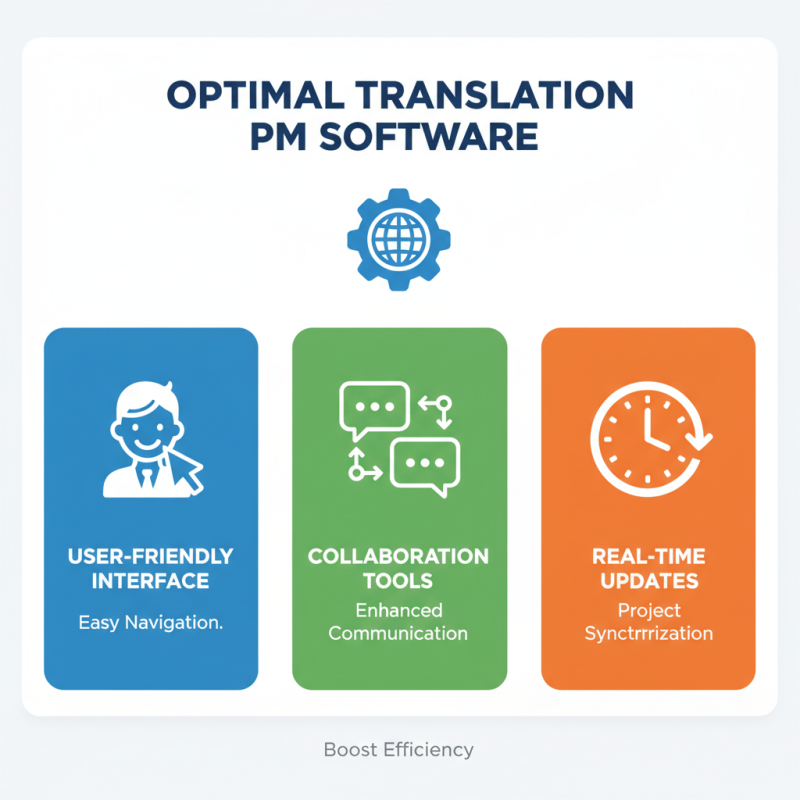
When selecting translation project management software, consider essential features to improve efficiency. A user-friendly interface is crucial. It should allow easy navigation for all team members. Look for collaboration tools that enhance communication among translators. Real-time updates can prevent misunderstandings and keep projects on track.
Additionally, integration capabilities are important. The software should connect with various translation tools and file formats. This feature streamlines workflows and reduces time spent on manual adjustments. A robust reporting system is also necessary. It provides insight into project progress and resource allocation.
Don’t forget about budget considerations. Some tools may seem perfect but could drain resources. Test out different options to find a suitable balance between cost and functionality. Regular feedback from your team can help evaluate if the tools meet their needs. Choose wisely, as the right software can significantly impact project success and team morale.
When considering translation project management software, cost is always on the mind. Many tools claim to boost efficiency and productivity. However, without proper evaluation, you may overspend. A solution might promise advanced features but deliver limited value. It’s crucial to weigh what you gain against what you pay.
Determining the benefits includes analyzing user experience. Intuitive interfaces can enhance team collaboration. On the other hand, a complicated system may frustrate users. Often, companies overlook training costs. Good software should be easy to learn. Yet, if substantial onboarding is required, this could negate savings. Realistic assessments of costs and benefits are essential.
Don’t forget to evaluate scalability. Your needs may change over time. Investing in software that grows with your projects is wise. Beware of vendors that push unnecessary features. Take time to reflect on your specific needs. The right choice should align closely with your workflow, not disrupt it.
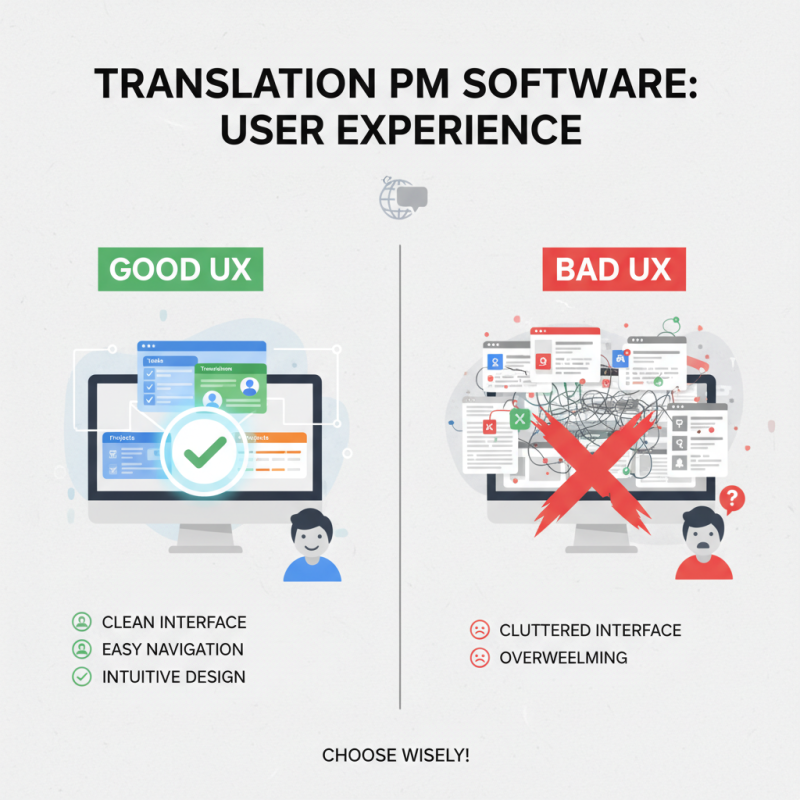
When selecting translation project management software, user experience is crucial. A clean interface simplifies task management. Users should navigate easily through different modules. Intuitive design reduces the learning curve. However, not all software meets this standard. Some tools can feel cluttered and overwhelming.
Practicing usability testing often reveals pain points. For instance, complex menus can frustrate users. Simple features may be buried under layers. It’s important to gather feedback from actual users. Regular input helps developers refine their interfaces. Sometimes, less is more. Limiting options can enhance focus and efficiency. Intuitive workflows keep translators engaged and productive.
Visual appeal matters too. Aesthetically pleasing design can motivate users. Yet, functionality must remain the priority. A striking interface may not compensate for inefficiency. Balancing aesthetics with usability is a challenge. It’s essential to reflect on how users interact with the software. Continuous improvement based on user experience should remain a constant goal.
When selecting translation project management software,
integration capabilities are crucial. A good tool should connect seamlessly with existing platforms.
Look for options that can easily sync with content management systems. This functionality can
save time and reduce manual tasks. However, not all tools
are designed for easy integration. Some may require extensive customization, which can lead to
frustration.
Consider the tools you currently use. Will the new software enhance your workflow?
Evaluate how different platforms communicate with each other. A lack of compatibility can create
bottlenecks. Sometimes, the software may promise integration, but the reality can differ. Be wary
of hidden costs associated with additional connectors or plugins.
Test out the software before deciding. Many platforms offer free trials. Use this time to identify
any gaps in integration. Ask team members for their input. Their experiences can highlight potential
issues. Balancing features with integration capabilities is essential. You want a tool that
simplifies tasks, not complicates them further.
Crowdin has been translated by volunteers, and some translations might be incomplete. You can help us translate Crowdin into your language by adding new translations or voting for existing ones.
Contribute language Global website